Tag: Insurance agency support

  • Why Remote Teams Win in the Insurance World

    Why Remote Teams Win in the Insurance World

    In an industry built on service, precision, and paperwork, insurance agencies need systems that run like clockwork.

    But between handling carrier downloads, processing renewals, and managing client questions, your team can only stretch so far. That’s where remote teams shine.

    Whether you’re a two-person brokerage or a growing agency, going remote with the right support gives you the edge—faster service, lower overhead, and round-the-clock coverage.

    Here’s exactly why remote teams are winning in the insurance world—and how your agency can benefit next.


    The Traditional Model Is Holding Agencies Back

    For decades, the “safe” way to build an insurance agency was to hire in-house. But today, that comes with real pain points:

    • Costly salaries and office overhead
    • Slow hiring and high turnover
    • Limited service hours (especially across time zones)
    • Burnout from admin overload
    • Bottlenecks in document processing and follow-up

    In today’s competitive, client-first environment, this model simply can’t keep up.


    Why Remote Teams Are a Smarter Fit for Modern Insurance

    Let’s break down the core reasons remote teams—especially virtual assistants—are now the top choice for efficient agencies.


    1. Around-the-Clock Responsiveness

    Clients expect fast service. Carriers expect clean paperwork. With a remote team, you can:

    • Extend your service hours beyond 9–5
    • Have someone available during lunch, after-hours, or holidays
    • Respond to client inquiries before they become complaints

    A remote team member sending a follow-up email from a home office at night, demonstrating extended work hours.

    2. Significant Cost Savings

    Hiring in-house CSRs or account managers can cost $50K+ per year—not including benefits, equipment, or space.

    Remote team members (like insurance-trained VAs) deliver the same work for a fraction of the cost—often under $1,100/month for full-time help.

    That’s 60–75% cost savings with zero payroll taxes, office rent, or hiring headaches.


    3. Less Turnover, More Consistency

    The insurance industry sees frequent turnover in entry-level admin roles. Remote teams, especially outsourced virtual assistants, offer:

    • Lower turnover
    • Better documentation and systems
    • Long-term support that doesn’t vanish when someone quits

    You don’t lose momentum every time someone leaves.


    4. Instant Specialization

    Need someone to process endorsements? Handle COIs? Track renewals? Clean up carrier downloads?

    Remote assistants trained in insurance workflows can start handling specific tasks day one—no 6-week training programs required.

    You get plug-and-play support that fits your exact needs.
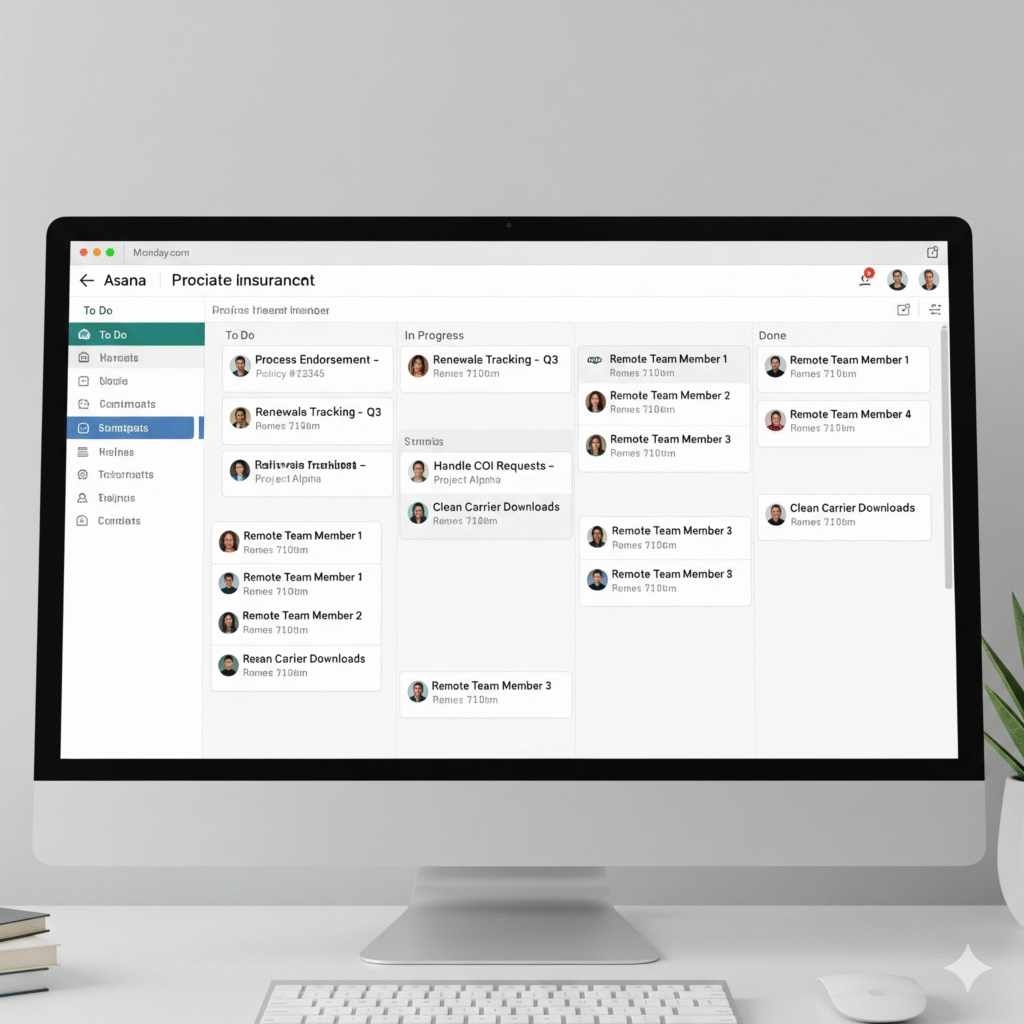
    A digital task board or project management tool with various insurance-related tasks assigned to remote team members.

    5. Focused Producers = More Sales

    When your licensed producers are buried in admin work, they’re not selling. Remote team support removes that roadblock so they can:

    • Spend more time building relationships
    • Close more renewals and new policies
    • Reduce mental clutter and burnout

    Your team works smarter, not harder.


    6. Clients Don’t Know (or Care) Where Your Team Is

    As long as they get:

    • Quick responses
    • Clean documentation
    • Reliable follow-through

    …your clients don’t care if that support came from your back room or a remote assistant three states away.

    In fact, they’ll often get better, faster service than they would from a local-only team.


    What Remote Team Members Can Handle for Your Insurance Agency

    Here are just a few things remote insurance VAs do daily:

    • Manage and clean up carrier downloads
    • Process endorsements and cancellations
    • Track renewals and send reminders
    • Handle COI requests
    • Answer inbound client emails
    • Route urgent calls to your team
    • Prepare policy documents and invoices
    • Keep CRMs and AMS platforms up to date
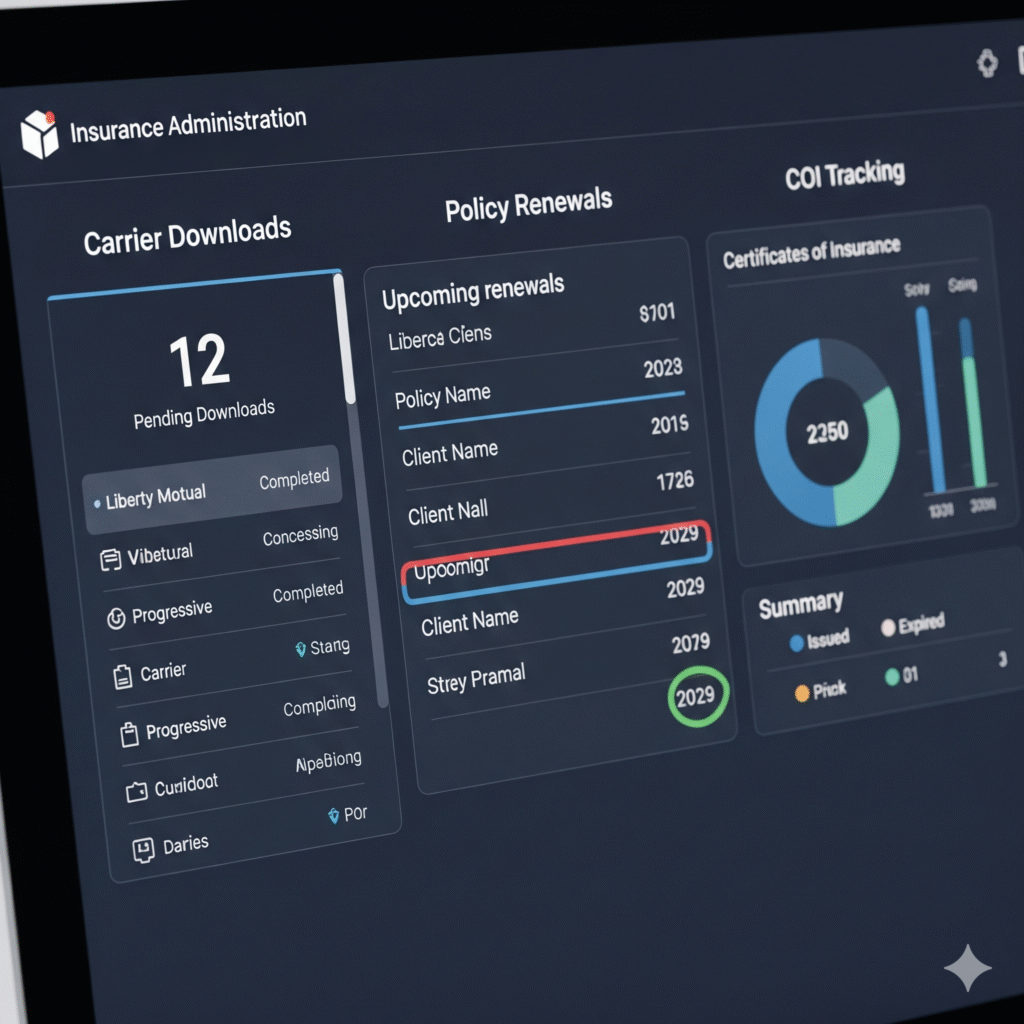
    A detailed insurance administration dashboard on a computer screen, showing tabs for downloads, renewals, and COI tracking.

    When to Start Building Your Remote Insurance Team

    You’re ready if:

    • Your producers are spending 30%+ of their time on admin
    • You’re missing deadlines or slow to respond to client service needs
    • Your in-house staff is overwhelmed
    • You want to grow without increasing office headcount
    • You’re tired of paying $50K/year for help that burns out in 6 months

    Start with one trained VA. Then scale support as your book grows.


    Remote Isn’t the Future. It’s the Present.

    The insurance agencies that scale fastest, serve better, and protect margins aren’t the ones adding more desks. They’re the ones adding smarter systems and remote support.

    You don’t need a bigger team. You need a better one—with the flexibility and focus to move fast and serve well.


     A relaxed insurance agency owner confidently viewing a dashboard showing the performance and efficiency of their remote team.
  • Why Construction Owners Shouldn’t Answer Calls Themselves

    Why Construction Owners Shouldn’t Answer Calls Themselves

    If you’re running a construction business, chances are your phone rings nonstop.

    Leads. Clients. Vendors. Subcontractors. Inspectors. And probably a few spam calls too.

    The instinct is to pick up every call. After all, it could be a job. But here’s the truth: every time you answer the phone, you’re stepping away from higher-value work.

    And when you’re the one doing estimates, managing crews, and juggling projects—you can’t afford that distraction.

    A stressed construction business owner on a job site answering a phone call while looking overwhelmed.

    Here’s why construction business owners shouldn’t be answering their own calls—and what to do instead.


    The Hidden Cost of Answering Calls Yourself

    On the surface, it might feel like no big deal. But those little interruptions add up fast:

    • You lose focus on jobsite tasks or project planning
    • You waste time on calls that someone else could’ve handled
    • You forget details from rushed conversations between tasks
    • You sound distracted to potential clients, which affects trust
    • You miss callbacks because you’re too busy to follow up

    Worst of all, every call you answer is time not spent growing your business.


    5 Reasons You Should Stop Taking Calls Yourself

    1. You’re Not Always Available—But Your Phone Still Rings

    Whether you’re on a ladder or in a meeting with a supplier, you can’t take every call. And when you miss them, you’re losing money.

    A virtual assistant can answer on your behalf, screen for importance, and make sure nothing gets lost.


    2. Not Every Caller Needs You

    80% of daily calls are simple:

    • “Can I get a copy of the COI?”
    • “What time are you arriving tomorrow?”
    • “Do you work in this zip code?”

    You don’t need to stop your day to answer these. A trained VA can handle them all—professionally and instantly.


    3. You’re Losing Focus on High-Priority Work

    Every call pulls your brain out of what you were doing. It takes minutes (sometimes hours) to refocus.

    By having someone else manage your calls, you can stay in deep work—whether that’s walking a job site or finalizing an estimate.


    4. You’re Not Always in “Phone Voice” Mode

    Let’s be honest—when you answer the phone mid-stress, you’re probably not giving the best first impression. Calls get rushed. Details get missed.

    A calm, professional virtual assistant gives every caller a smooth experience—every time.


    5. You’re Delaying Growth

    The time you spend on calls is time not spent:

    • Closing new contracts
    • Hiring better subs
    • Streamlining operations
    • Getting home earlier

    Delegating your call handling is a small move that unlocks huge capacity.

    A professional virtual assistant wearing a headset, smiling and confidently speaking to a caller on a video call.

    What a Call-Handling Virtual Assistant Can Do for You

    A trained VA can manage your phone line like a pro:

    • Answer business calls with your custom script
    • Route urgent issues to your mobile
    • Send you summaries of each call
    • Return missed calls and schedule follow-ups
    • Log messages and updates in your CRM or system
    • Handle basic questions and redirect spam

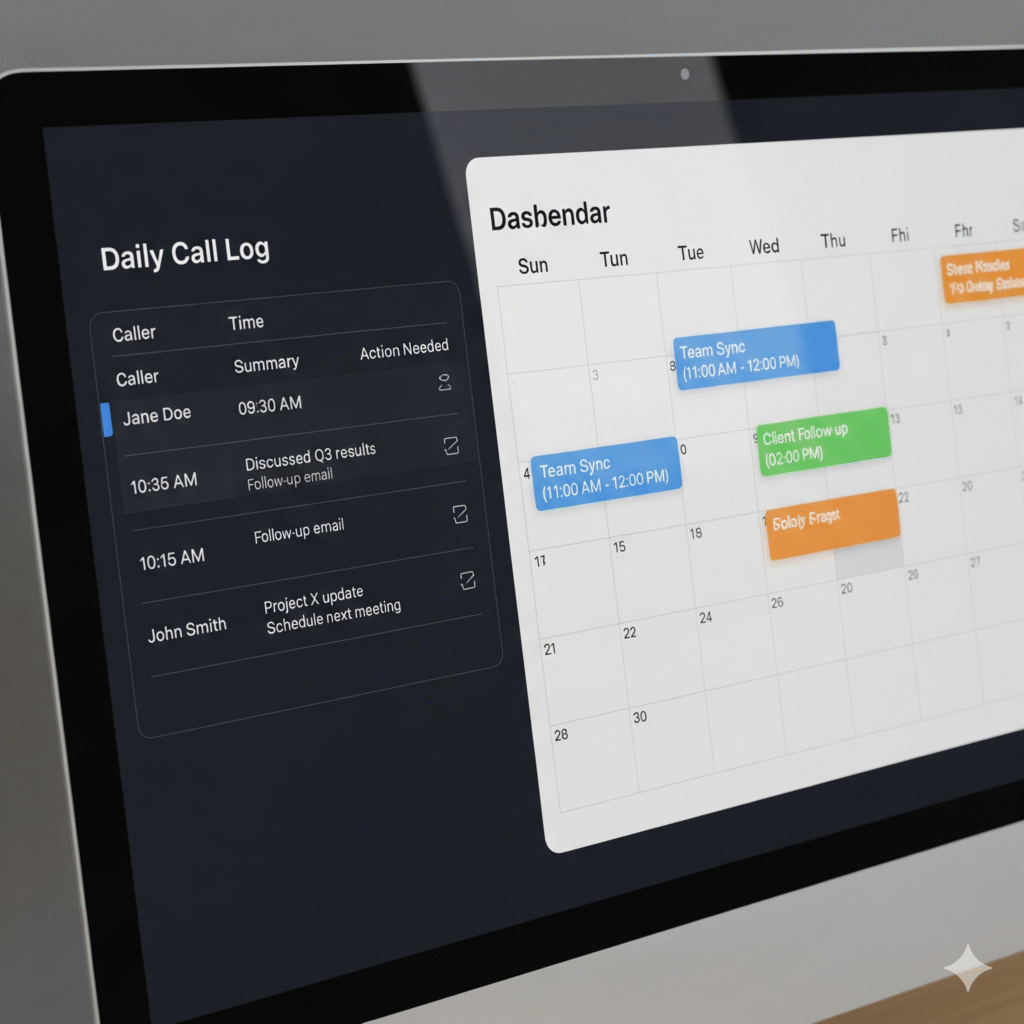
    A computer screen showing a call log with details and an integrated calendar, illustrating organized communication.

    You stay informed—without being interrupted.


    How It Works: Delegating Calls in 3 Steps

    1. Set Your Preferences
      Decide what calls get forwarded to you and what your VA can handle.
    2. Use Call Forwarding or a VoIP Line
      Forward your business number to your assistant. Or use a platform like Google Voice.
    3. Review Updates on Your Time
      Instead of constant calls, get organized call summaries you can review when it’s convenient.

    That’s it. You stay in control—but free up hours every week.


    Real Results Contractors Are Seeing

    • Fewer missed leads
    • Faster response time for clients
    • Happier teams with fewer interruptions
    • More time on-site, not on the phone
    • Reduced stress and better client reviews

    You didn’t start a construction business to become your own receptionist. It’s time to hand off the phone—and focus on building.


    The Bottom Line

    Your phone shouldn’t control your day. You should.

    Every time you answer a call, you’re choosing distraction over direction. Let a trained virtual assistant take over your calls—and give you back your time, energy, and momentum.

    A calm construction owner reviewing blueprints on a peaceful job site, with their phone silently placed nearby.
  • Carrier Downloads: What VAs Can Handle for You

    Carrier Downloads: What VAs Can Handle for You

    If you run a small insurance agency, you’re no stranger to the chaos that comes with managing carrier downloads—those nonstop streams of data from carriers that land in your AMS daily.

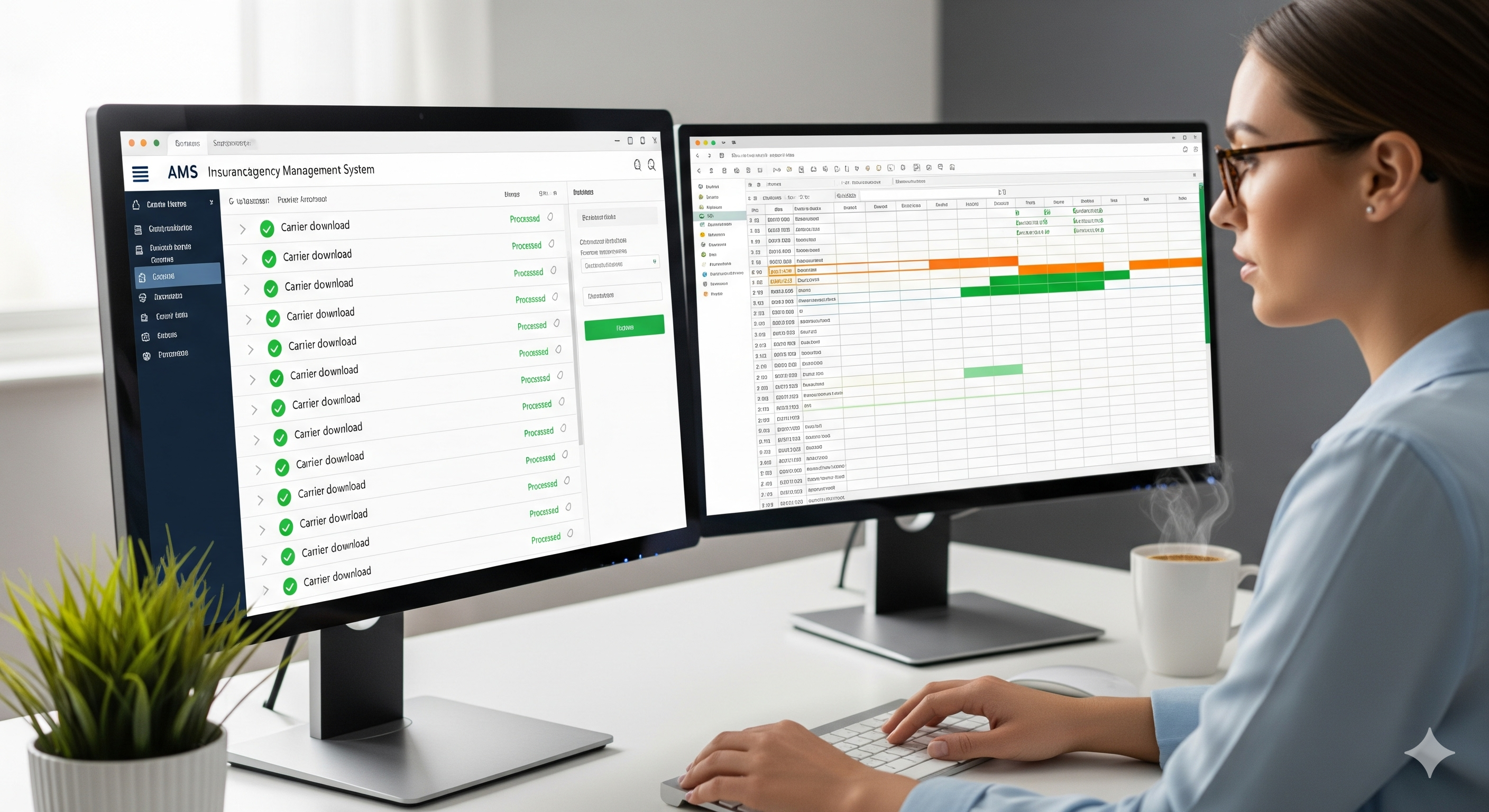
    This image is for the introduction of your article to highlight the pain point of managing carrier downloads manually.

    Renewals, endorsements, cancellations, reinstatements—every type of policy change floods in. And someone needs to go through it all.

    The truth? These downloads don’t process themselves. And they definitely don’t resolve exceptions, check accuracy, or update client records on their own.

    That’s where a virtual assistant (VA) trained in carrier download workflows becomes your secret weapon.


    What Are Carrier Downloads, Really?

    Carrier downloads are automated data transmissions sent by insurance carriers to your agency management system (AMS). These include:

    • Policy Issuances
    • Renewals and Rewrites
    • Endorsements
    • Cancellations
    • Billing Notices
    • Claims Updates

    These downloads are essential—but they’re just the raw data. It still takes a human to interpret, clean up, and follow through.

    For small teams, this becomes a massive time drain.


    The Problem: Carrier Downloads Don’t Manage Themselves

    If you leave carrier downloads unchecked, you risk:

    • Incomplete Client Files
    • Wrong Policy Info
    • Missed Renewals or Cancellations
    • Poor E&O Compliance
    • Client Frustration Over Delays

    And let’s be honest—your licensed agents didn’t get licensed to babysit carrier feeds or correct mismatched VIN numbers.

    That’s why handing this off to a VA who knows insurance workflows is one of the smartest moves an agency can make.


    What a Virtual Assistant Can Do With Carrier Downloads

    Here’s exactly what a trained VA can handle for you:

    a virtual assistant expertly handling the tasks.

    ✅ Monitor Carrier Downloads Daily

    Check for any new activity in your AMS and review download logs for accuracy.

    ✅ Verify Policy Updates

    Match download data against existing client records. Flag discrepancies and make updates where needed.

    ✅ Process Suspense Items

    Clear suspense tasks generated by carrier downloads and follow through on action items.

    ✅ Handle Exceptions and Errors

    Fix mismatched data, notify agents of missing items, or escalate as needed.

    ✅ Maintain Clean Client Files

    Ensure policies, coverages, billing, and notes are up-to-date across all client accounts.

    ✅ Notify Producers of Key Events

    Send summaries or internal updates on important activity like cancellations, reinstatements, or billing issues.

    ✅ Follow Up With Carriers

    If download data is incomplete or missing, your VA can contact the carrier directly to resolve it.


    Why Most Insurance Agencies Struggle With Downloads

    Even if you’ve got a great AMS, most platforms still require:

    • Manual corrections
    • Constant cross-checking
    • Human decision-making

    That means one of your producers or CSRs has to stop what they’re doing just to fix download issues. This slows down sales, service, and response times.

    If you don’t have enough back-office support, downloads become a silent bottleneck in your workflow.


    How a Virtual Assistant Solves the Problem

    When you bring in a virtual assistant who’s already trained in carrier download tasks, you immediately free up your licensed team to do what they do best—sell and serve clients.

    Here’s what changes:

    • Your downloads are reviewed daily, not whenever someone finds time.
    • Suspense items are processed before they pile up.
    • Your AMS stays accurate, clean, and audit-ready.
    • Your producers aren’t spending time fixing backend admin issues.

    In other words, your agency runs leaner, faster, and more profitably.


    What Kind of VAs Are Best for This Work?

    Not all virtual assistants are built for insurance work. Look for these qualities:

    • Experience with AMS systems (like EZLynx, HawkSoft, TAM, Applied)
    • Understanding of P&C insurance operations
    • Familiarity with carrier downloads and endorsement processing
    • Strong attention to detail and file accuracy
    • Clear written communication skills for internal updates

    The right VA can integrate into your workflow within days—not weeks.


    Sample Workflow: Carrier Downloads with a VA

    Here’s how a typical day might look with a VA handling carrier downloads:

    1. Check download reports in AMS
    2. Flag incomplete or mismatched entries
    3. Process updates in client files
    4. Resolve suspense or exceptions
    5. Summarize changes and notify producer if needed
    6. Track recurring issues or follow-ups with carriers

    All while your core team stays focused on clients.

    Why This Matters for Small Agencies

    You might not have the budget for full-time admin staff, but your download volume keeps growing. That leads to overwhelmed CSRs, missed items, and internal frustration.

    Hiring a VA trained in insurance carrier downloads gives you the best of both worlds:

    ✅ Reliable support
    ✅ Affordable cost
    ✅ Seamless delegation
    ✅ Higher team efficiency

    And your agency becomes more professional and responsive overnight.


    5 Quick Benefits of Outsourcing Carrier Downloads

    • You reduce E&O exposure
    • Producers can focus on revenue, not admin
    • Your AMS stays accurate and organized
    • Client service gets faster and cleaner
    • You avoid burnout on your small team
    image shows the positive outcome for the entire agency.

    Ready to Get Carrier Downloads Off Your Plate?

    If managing downloads is draining your team, it’s time to delegate.

    A trained virtual assistant can take over this repetitive, crucial task—and do it with precision. You’ll get peace of mind knowing your data is accurate, your files are clean, and your team is focused on growth.

    Carrier downloads are necessary—but they don’t need to be your problem anymore.